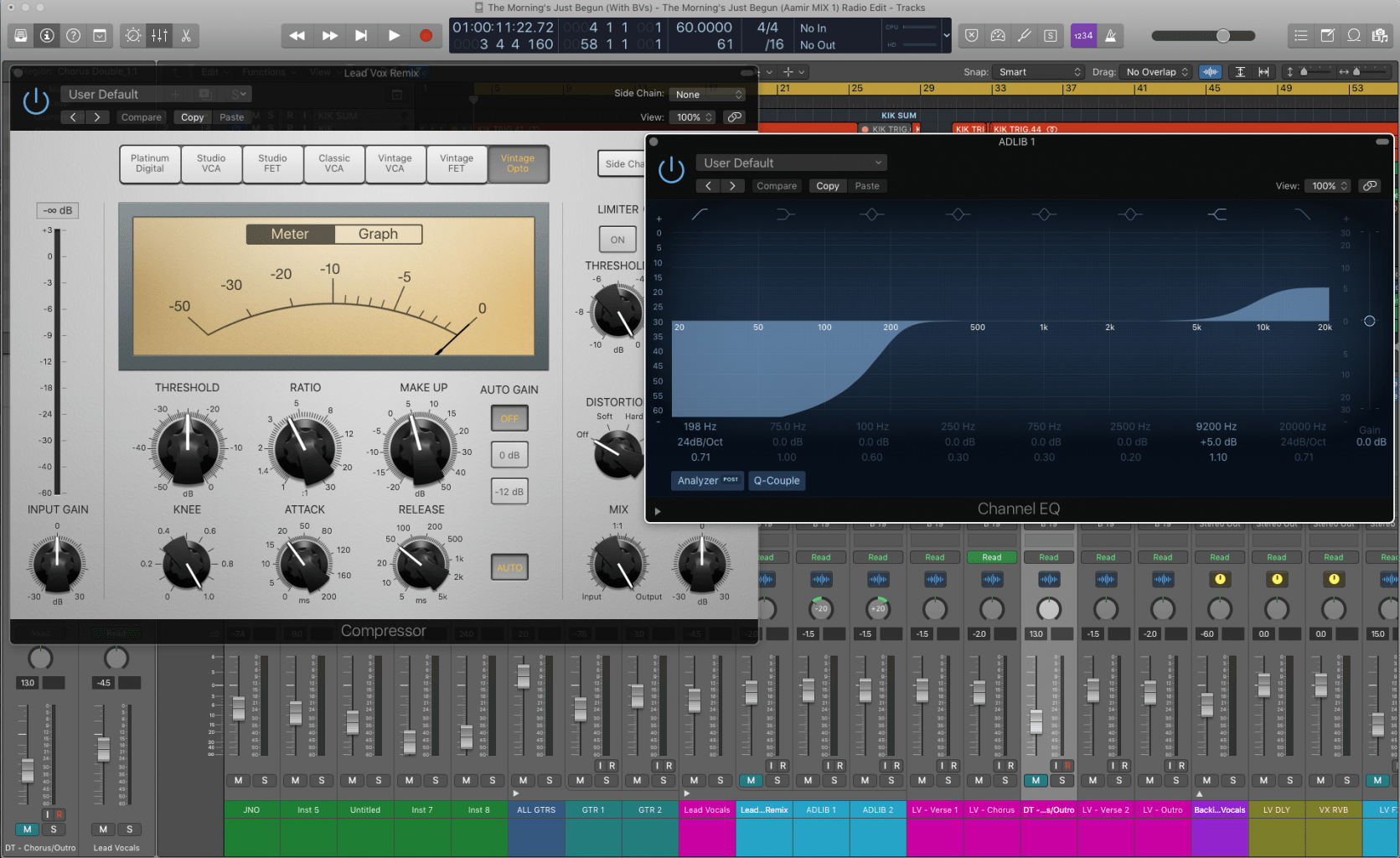
Logic Pro Production
Learn the Power Behind the Music
Logic Pro, backed by Apple, is one of the most powerful DAWs on the planet—and we’ve been helping students master it since 2010. Pulled straight from our flagship Songwriting & Production Academy, this 36-hour Logic Pro course is ideal for complete beginners and self-taught producers alike.
Designed by one of our Apple T3-certified instructors from our world-class teaching roster, you'll go step-by-step through everything Logic Pro has to offer—from the fundamentals to more advanced creative tools. This is real, guided, hands-on learning, not a disconnected video series.
You’ll learn in small groups, with plenty of time to ask questions and collaborate with fellow students—either in-person at one of our studios or Live Online from wherever you are.
By the end, you’ll know how to unlock the full power of Logic Pro and apply it directly to your own music, with confidence and clarity.
What our students say.
“Great teacher who leaves no stone unturned! After Garnish, I feel that I have the tools to build a strong foundation and begin a career in the music industry.”
Daniel Cobos
Frequently asked questions.
Ready to get started?
Enroll nowWhy choose Garnish?
Related reading.
Logic Pro - Workflow Tips (Part I)
Four Logic Pro workflow habits: closing every plug-in at once, linking plug-in windows, Capture Recording, and limiting drags to one direction.
Read →How To Save CPU in Logic Part 1
Free up CPU in Logic Pro: bypass unused plug-ins, use Selection Based Processing, and freeze or bounce tracks once you're happy with them.
Read →Navigation Basics for Logic Pro
A ground-up tour of the Logic Pro control bar - the Library, Inspector, Smart Controls, Mixer and Editors - with a demo project to practise on.
Read →Logic Pro - Play, Record, Repeat
Transport shortcuts every Logic Pro user should know - Solo tool, Play From Selection, Go to Position, Record Repeat and discarding a bad take.
Read →Quantizing Multi-Track Drums in Logic Pro
Use Flex Time to quantize several audio tracks at once in Logic Pro - tighten a drum kit, lock bass to drums, and clean up sloppy takes.
Read →Region Inspector Float in Logic Pro
Logic Pro's Region Inspector Float edits gain, transpose, quantize, velocity and more from a floating window - without hunting through menus.
Read →